Safer digital habits
on Android & Android TV.
FamShield helps parents guide healthier routines with app blocking + allowed windows, usage insights, location visibility, optional web protection, and now Android TV app blocking.
Block apps on Android TV
Keep family TV time calmer by blocking distracting apps on Android TV. Manage rules from the same parent dashboard you use for phones and tablets.
- Block streaming or games during homework/bedtime
- Keep rules consistent across devices
- Designed for simple setup and clarity
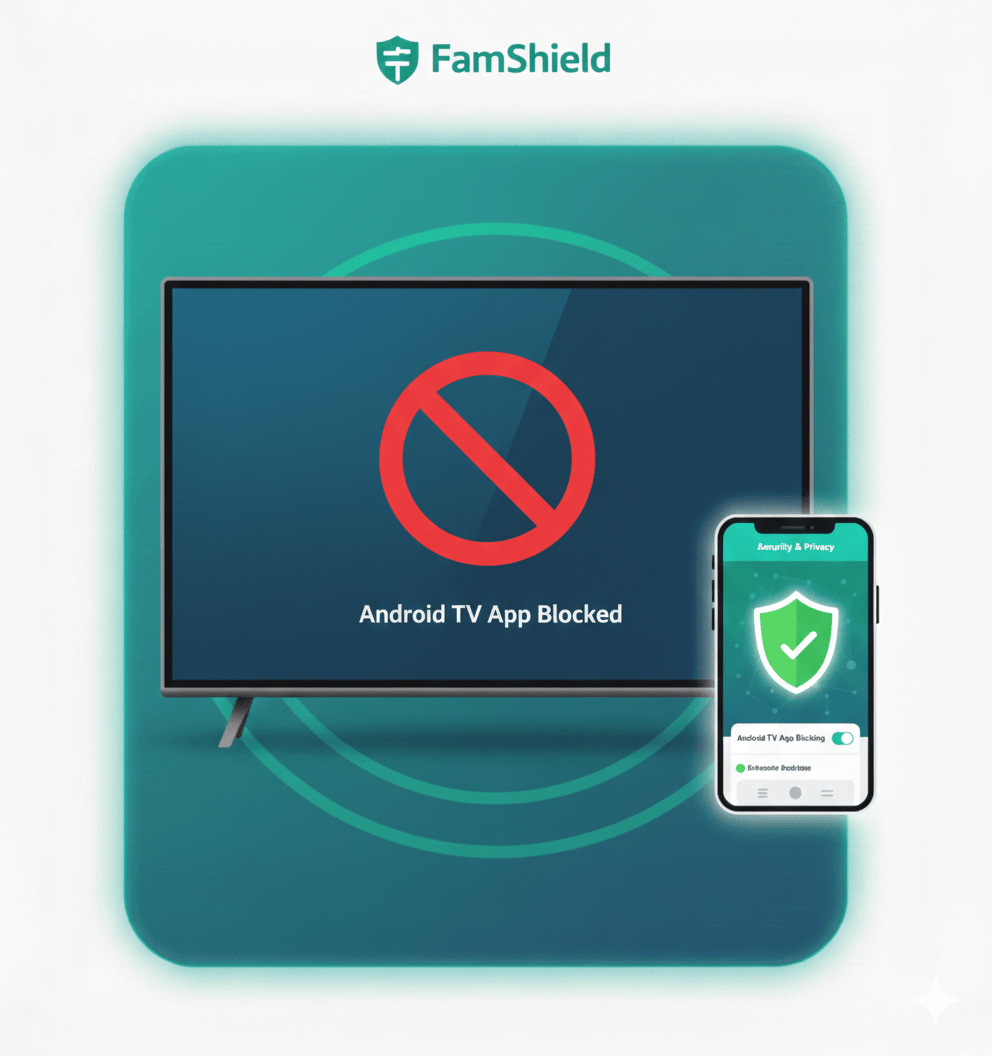
Android TV App Blocking
Block apps on Android TV (streaming, games, and more) from the parent dashboard—great for family TV time.
Learn more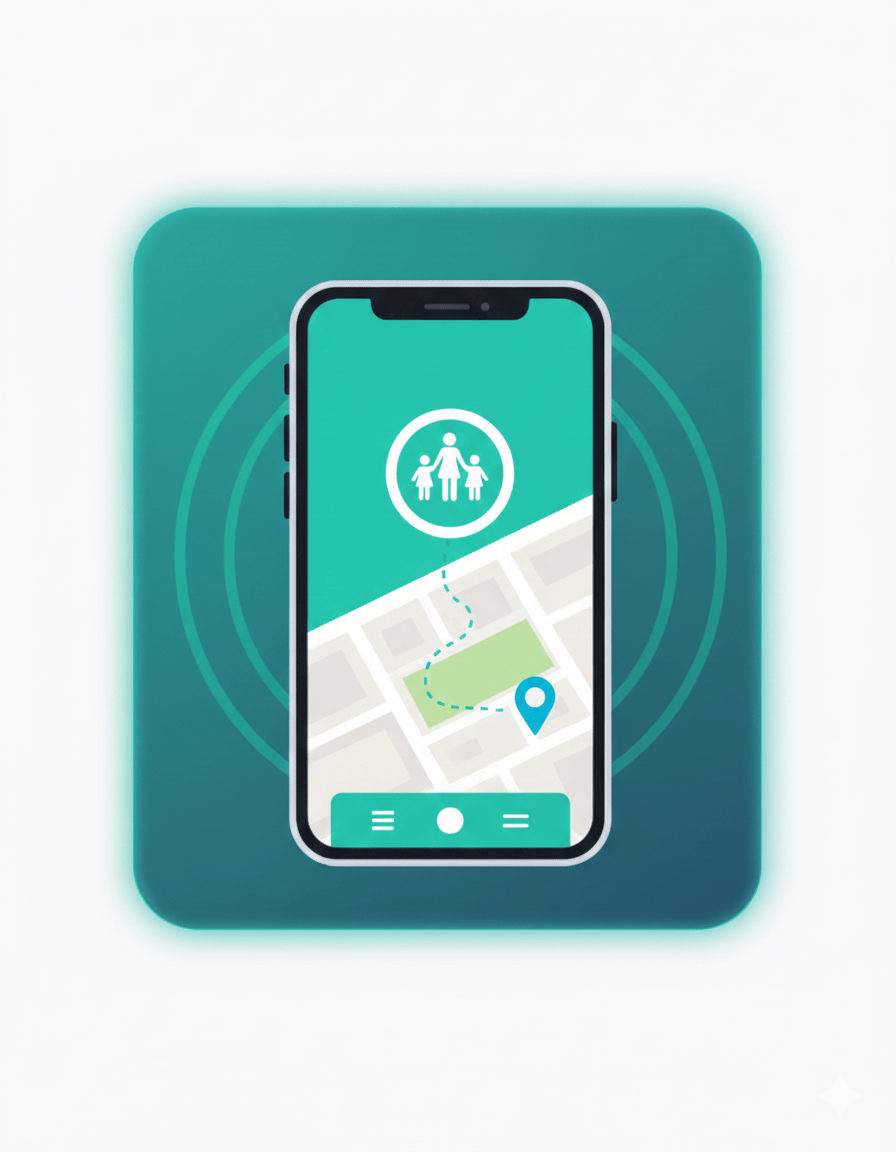
Location Tracking
See your child’s last known location and movement history from the parent dashboard.
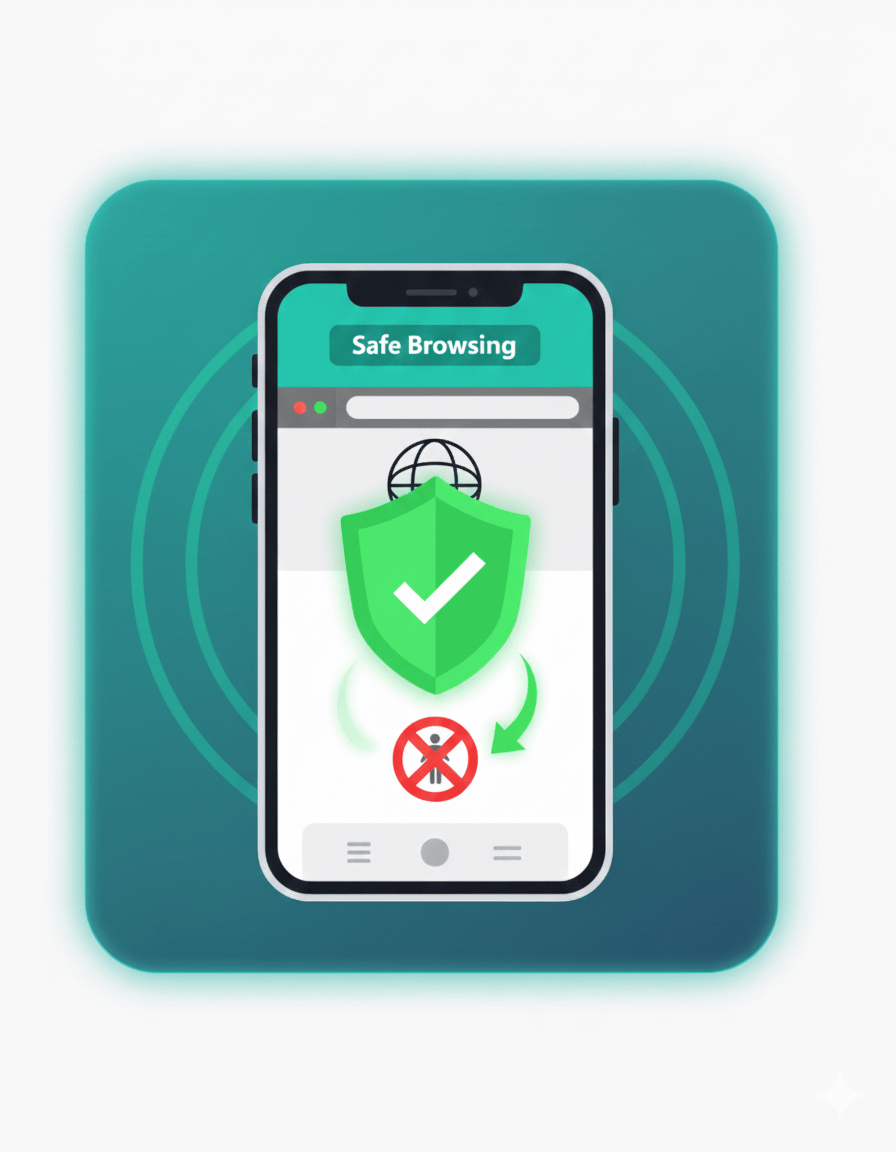
Web Protection
Block unsafe domains and enable safer browsing with DNS-based filtering (optional).
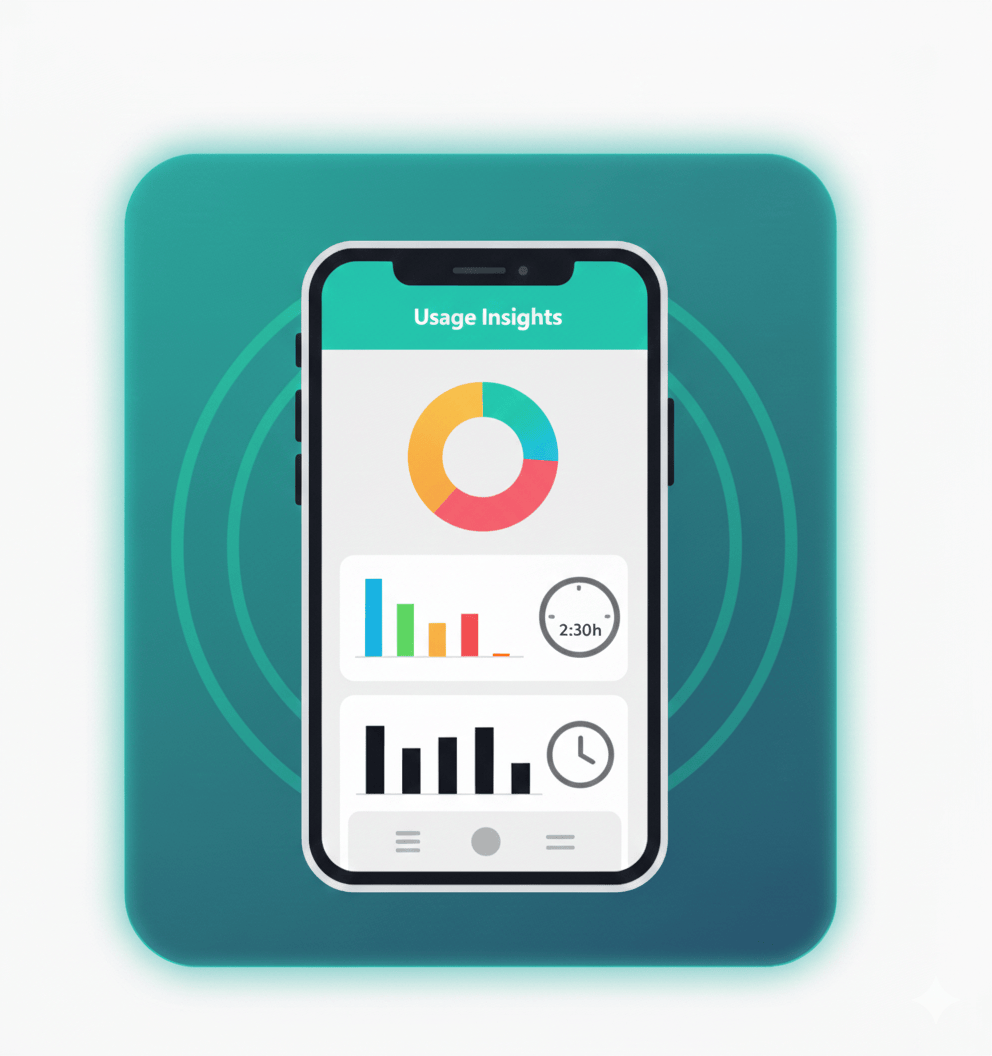
App Usage
Track app usage time and keep screen time healthy with reports and limits.
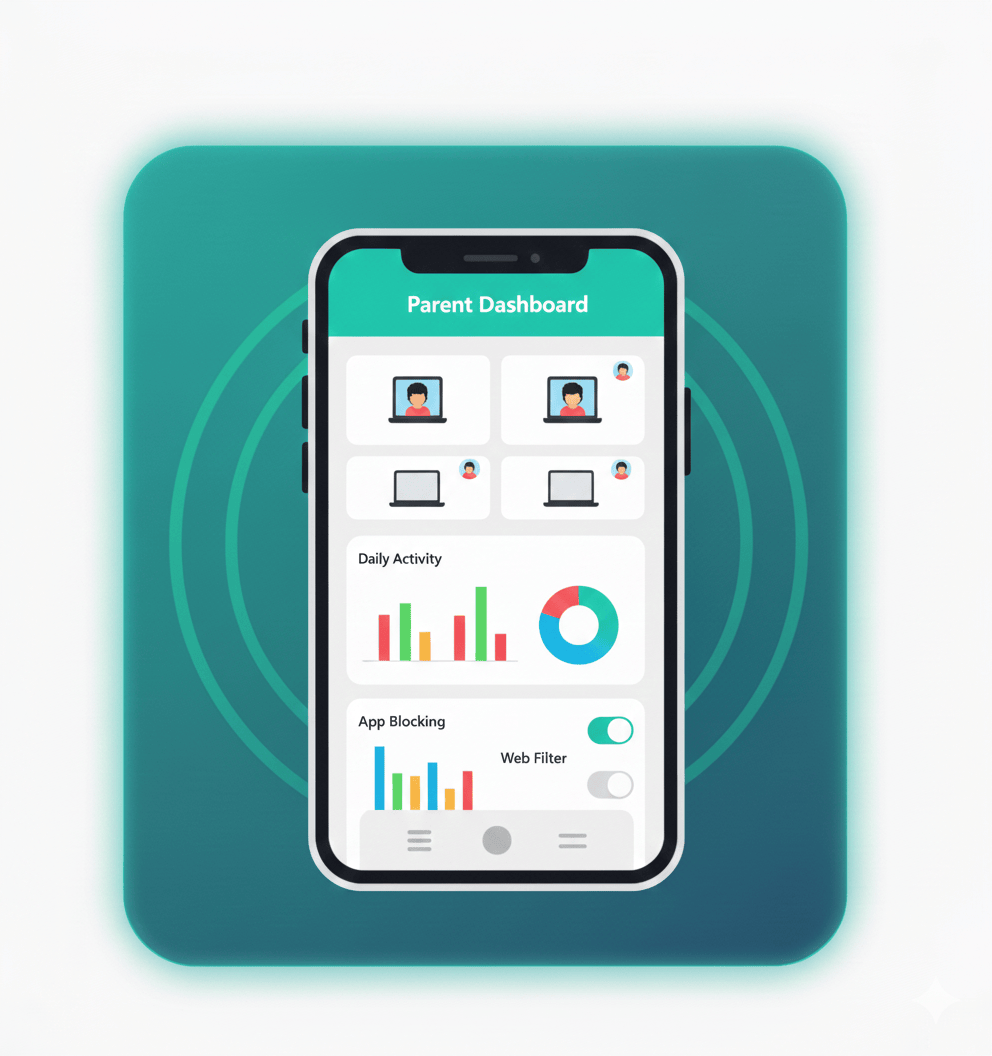
Parent Dashboard
Manage devices, view activity, and control protection features in one place.
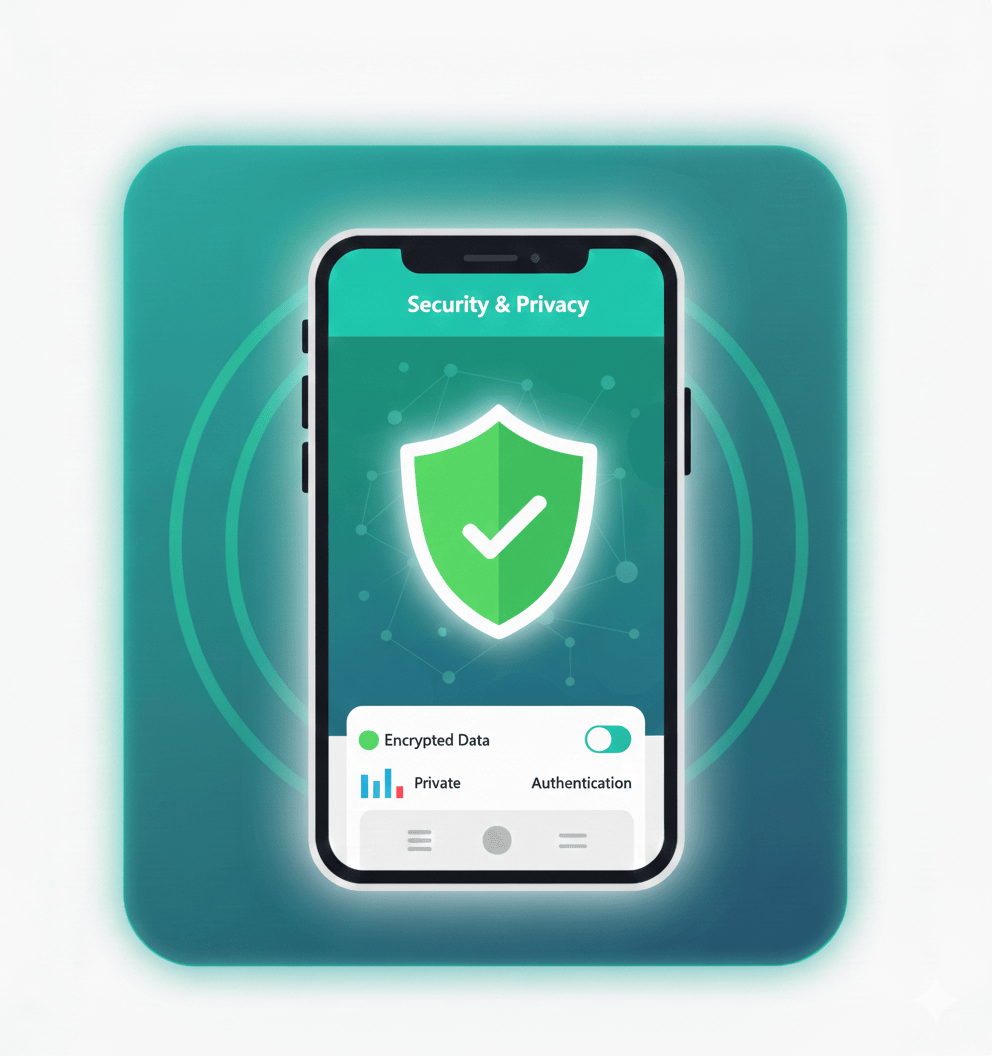
Secure by Design
Built with privacy in mind and protected authentication via Firebase.

Subscription Ready
Flexible plans designed for families — monthly and yearly options.
Helpful setup guides for parents
Quick step-by-step tutorials to help you set screen time, block distracting apps, and create healthy routines on Android.
Block YouTube and optionally allow it only during a scheduled window.
Create simple schedules and allowed windows that reduce daily arguments.
Block distracting apps and keep the rules consistent across the day.
Questions parents ask
Quick answers about FamShield features, device support, and web protection.
Does FamShield support Android TV?
Yes. FamShield now supports an Android TV app for blocking apps on Android TV devices from the parent dashboard.
What devices does FamShield work on?
FamShield focuses on Android phones and tablets (including Samsung / One UI), and also supports Android TV for TV app blocking.
Is web protection included?
Web protection is optional and uses DNS-based filtering to help reduce access to unsafe domains.
Where can I get setup help?
Start with our setup guides, or contact support if you want help pairing devices, permissions, or Android TV setup.
Coming soon
Advanced schedules, smarter reports, and more controls are on the way.